
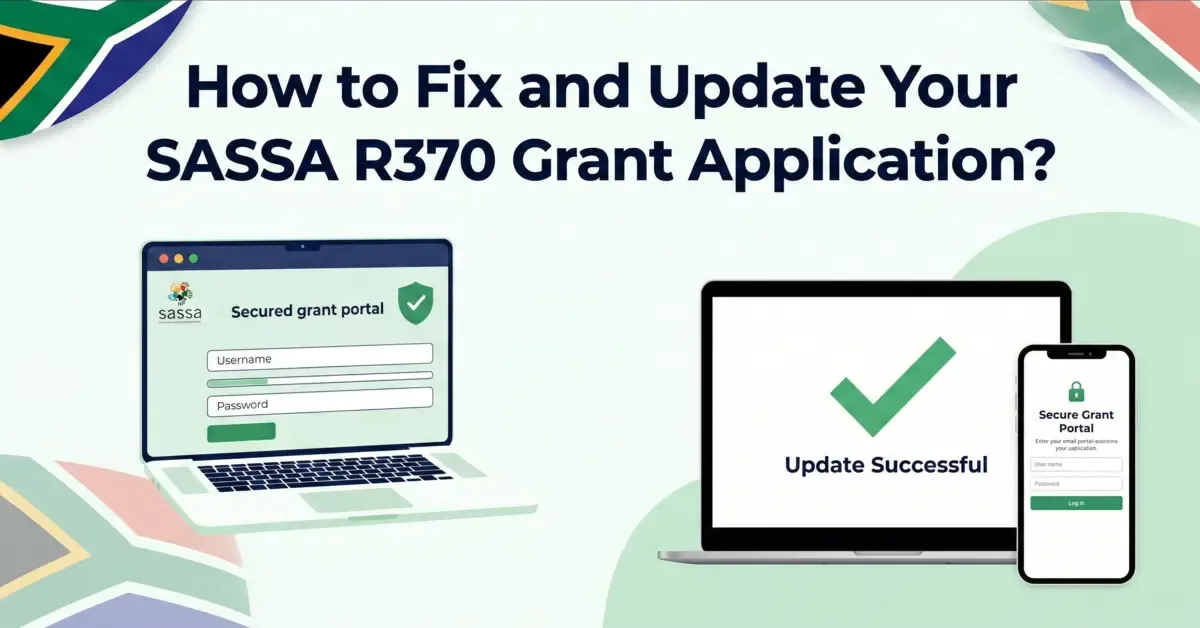
Entered the wrong details on your SASSA SRD application - a misspelt name, an old phone number, the wrong bank account? You can still fix it after submitting, and getting it right prevents delays and missed payments. This guide shows you exactly what you can update, how to do it online, and the mistakes to avoid.
What You Can Update (and Why It Matters)
Through the official SRD portal you can correct:
- Your name - if it was misspelt during the application.
- Your phone number - so you keep getting OTPs and SMS updates.
- Your address - if you moved or entered it wrong.
- Your banking details - the most common fix, and the one that most affects payment.
Even a small error - one wrong ID digit or an account not in your name - can hold up your grant, so fix it as soon as you notice.
How to Update Your SRD Application (Step by Step)
- Go to the official SASSA SRD portal at services.sassa.gov.za.
- Tap the login button and enter your South African ID and the phone number you applied with.
- Enter the OTP sent to your phone to open your dashboard.
- Open "Manage my Personal Information" and edit the details that are wrong - name, phone, address or banking.
- Upload any supporting documents (ID, proof of address, bank statement) - make sure they are clear.
- Submit, and confirm with the OTP if asked. You will see a message that your update was sent.
Updating Your Banking Details Safely
Banking errors are the top cause of "approved but not paid" payment delays. When you update your account, make sure:
- The account is registered in your own name - accounts in someone else's name are rejected.
- The account number and branch code match your bank statement exactly.
- The account is active and able to receive deposits.
If it is only your phone number that changed, see the focused guide on how to change your SRD phone number.
How Long Do Updates Take?
Most updates take 7 to 14 working days to reflect while SASSA re-verifies your details. Banking changes can take a little longer because the bank must confirm the account. Keep checking your status, and do not resubmit the same change repeatedly.
What You Should NOT Do
- Do not use a third-party website or "agent" to change your details - only the official SASSA portal. Paid help is a scam.
- Do not enter an account or number in someone else's name - it will be declined.
- Do not submit the same update over and over - give it the 7-14 days to process first.
- Do not ignore the confirmation - if you do not get a success message, the change may not have saved.
A Few Precautions for Next Time
- Double-check every detail before submitting any SASSA form.
- Keep your phone number active so you never miss an OTP.
- Save copies of documents and any confirmation messages from SASSA.
- Check your status regularly so you catch any problem early.
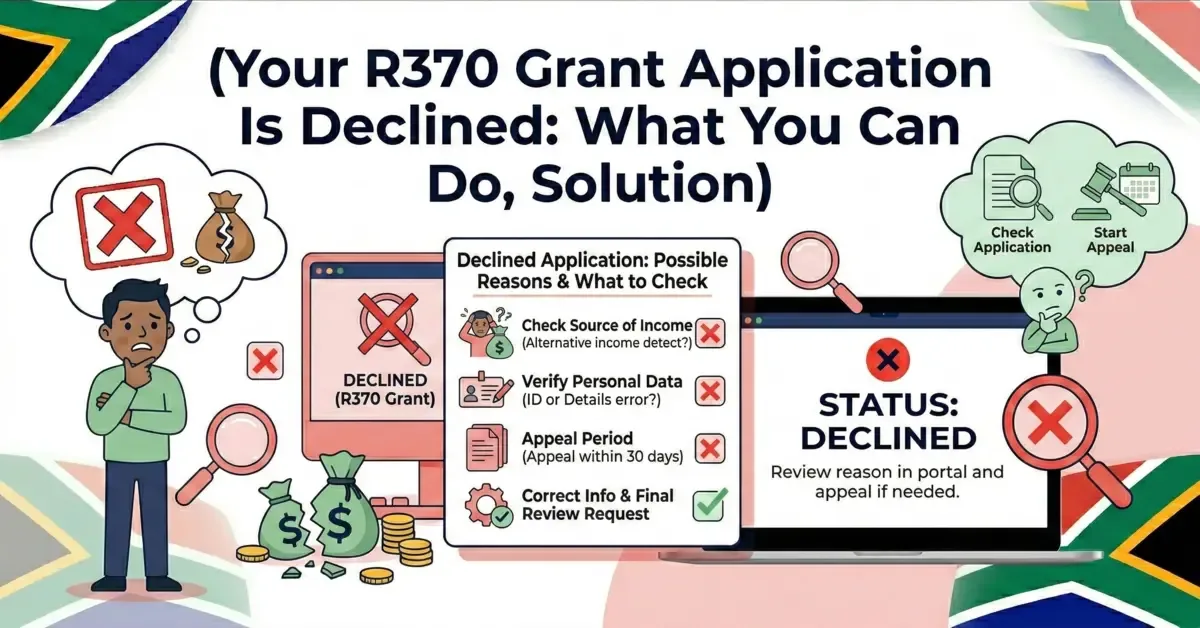
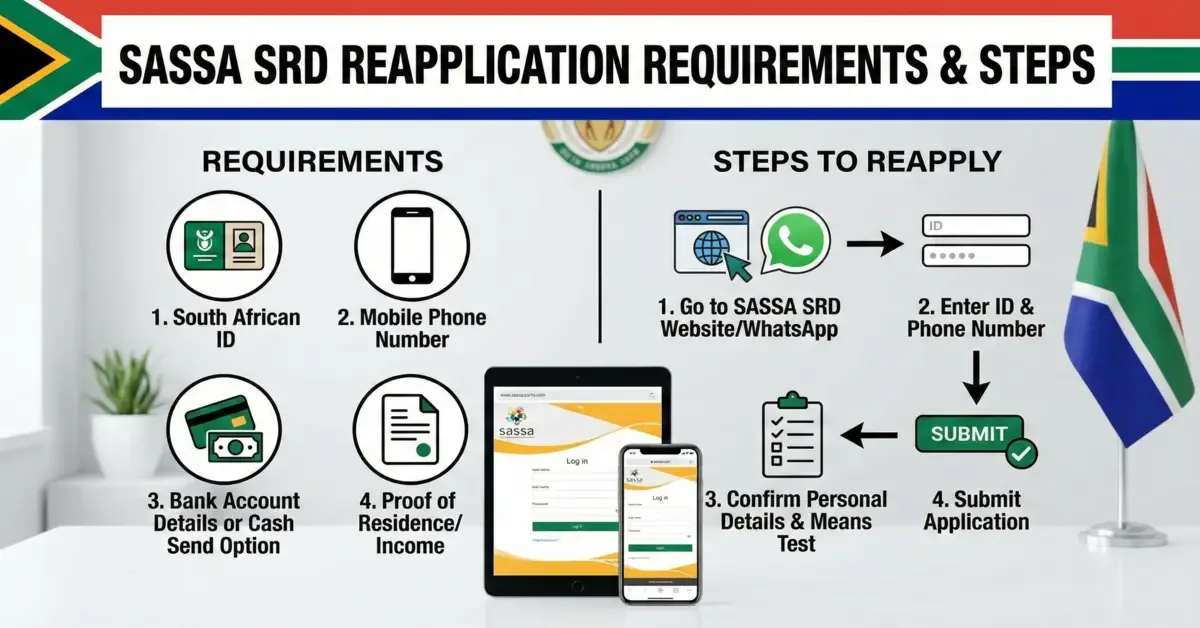
If your application expired or was declined rather than just needing a correction, see how to reapply or read more about the SRD R370 grant.
📚 Sources & References
Share this guide with someone who needs it.
💬 Comments (0)
No comments yet. Be the first to share your thoughts.
Leave a Comment